Upload your own files – here's how to get perfect results!
Your very own outfit? Simply design it yourself in the CI Configurator MY DESIGN. Upload your own logos, designs, photos or graphics & have them printed directly!
Here we give you important tips and information about print files – so your custom-designed clothing turns out just the way you imagined.
- Supported file formats: PNG, JPG, PDF, EPS, PS, SVG
- Design must have a transparent background
- No semi-transparent areas
- Maximum file size: 10 MB
- Optimal image resolution: 300 dpi
Use a transparent background in your graphic software and save the file as a .png. Only then will your design be printed directly onto the textile without a white area.
.jpg and .pdf files do not support transparent backgrounds. In this case, your design may be printed on a white background. Please make sure to check your file in your graphic software before uploading.
To print your photo or graphic brilliantly, sharply, and at the correct size on the textile, resolution (the right number of pixels) is key. For optimal print results, we recommend 300 dpi.
A high-resolution design can be enlarged freely and still appear perfectly sharp. If the resolution, specified in dpi (dots per inch), is too low, the design may appear blurry or be automatically reduced in size during printing.
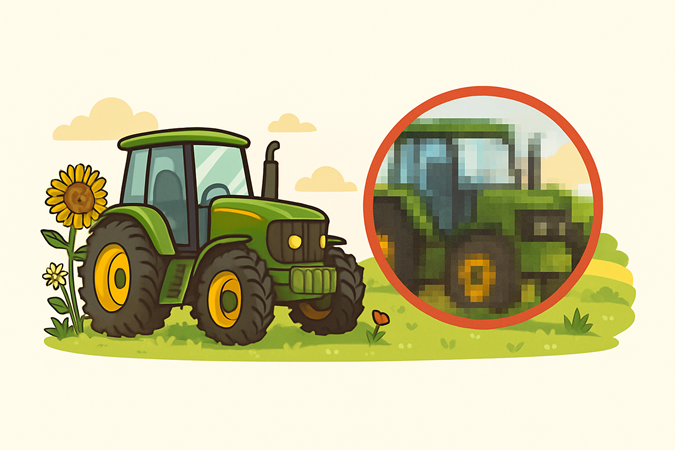
Design with too low resolution – individual pixels are clearly visible
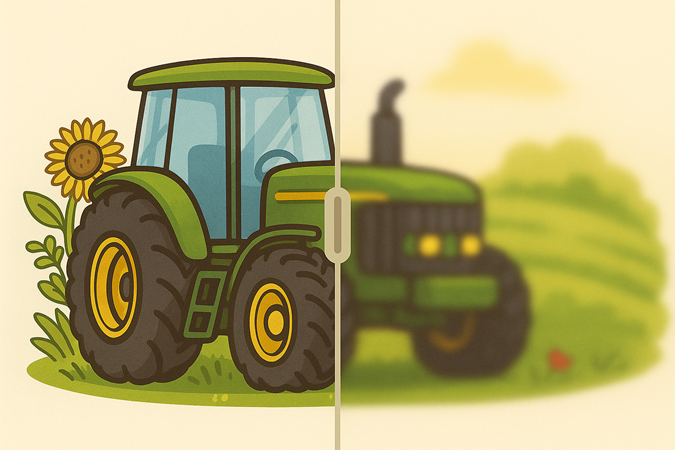
If the resolution is too low, the design may also appear blurry or out of focus
Image data with a resolution below 200 dpi is not suitable for printing, appears blurry, and is automatically rejected in the CI Configurator MYDESIGN. Uploading is not possible.
Designs with more than 200 dpi but less than 300 dpi can be printed depending on size, but may not appear as brilliant as expected. When saving your file, please check the number of pixels in width and height!
Fine designs: mind line thickness!
For designs with text or very fine details, a minimum line thickness of 1 mm is essential to ensure durability of the printed design on the textile.
Contrast between textile and design
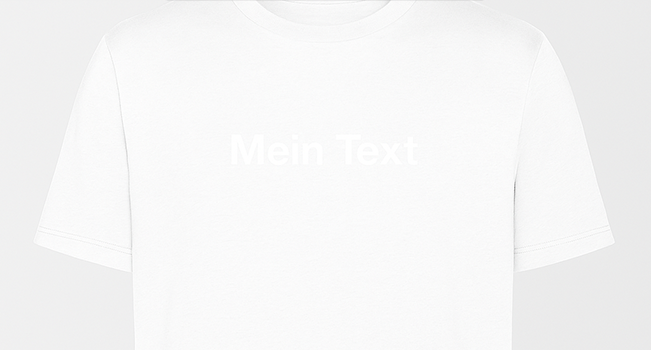
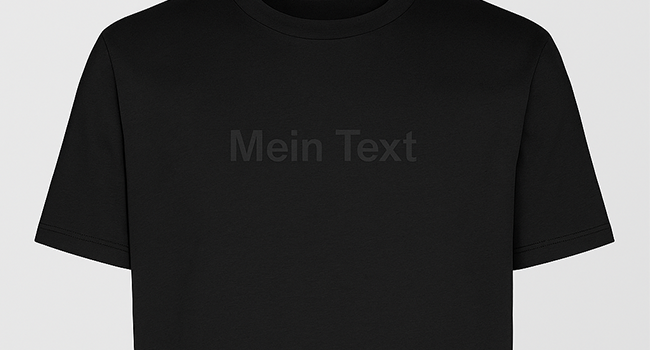
To make sure your logo stands out clearly on the garment, we recommend choosing a textile color that strongly contrasts with your design.
Example: Light text, light garment
Example: Black text, black garment
Text size
Texts that are too small or delicate are hard to read on garments. Make sure the text size is well-proportioned to the textile – especially depending on the selected print area. For example: a small text on the back is not ideal, as the surface may appear too large in relation to the font.
Semi-transparent elements and areas (e.g. soft shadows or transparent surfaces) often lead to unwanted effects when printing on textiles. The reason is the required white underbase, which can shine through in transparent areas. This can make the design appear milky or blurry in those spots.
Our tip: Use solid, opaque colors – this way, your design will look its best.
At Strauss, tolerance and respect are core values we live by. These values also apply to our personalization service, and we therefore reject any designs that go against them. This includes in particular discrimination against individuals or groups based on age, ethnic origin, skin color, gender, or religion. Furthermore, designs cannot be created via our CI CONFIGURATOR MYDESIGN if they contain or promote:
- glorification of violence or support for individuals or organizations that spread hate or incite crime
- unconstitutional symbols or hate speech
- political messages
If in doubt, we will review your submitted design and reserve the right to reject publication for the above reasons. If you have questions about why your design was declined, feel free to contact us by phone at 040 694 90 01 or by email: bearbetning@strauss.com
By submitting your design, you confirm that you hold the necessary usage and copyright rights.